The following comprises instructions for the SimNote plug-in, as well as instructions for creating SimNote templates.
Contents
1. Introduction to the plug-in
1.3 Position in the Overall Software Package
5. Creation of SimNote templates
1. Introduction to the plug-in
The SimNote plug-in enables you to save notes and other data together with your project, using pre-created templates.
With SimNote, you can save notes tailored specifically to your project. You can create templates in an XML structure, and thereby create forms tailored exactly to the relevant project and associated data, for example.
You can then import these to a SimNote plug-in and fill them out to enable you to compose custom notes for your project.
1.3. Position in the Overall Software Package
The SimNote plug-in is part of the 2document module, which also contains the PowerPoint, Excel and Reporting plug-ins. SimNote is available when you license the 2document module for SimAssist.
1.3.2. Links to Other plug-ins
As SimNote acts as a note tool and works with templates to be imported, it is not directly linked to any other SimAssist plug-ins.
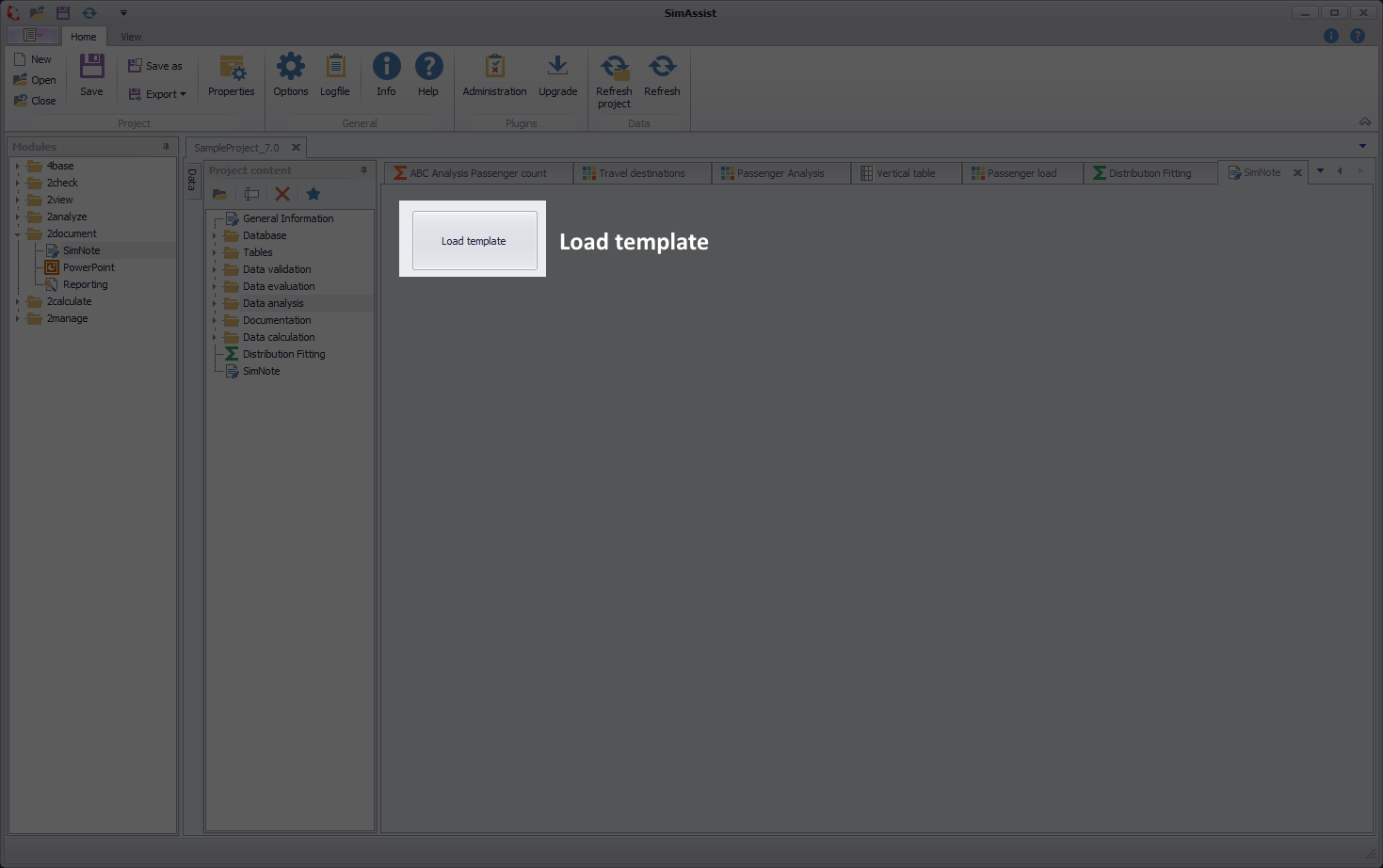
Figure 1 - Layout of the SimNote plug-in
SimNote initially displays only the Load Template button, which you can choose to import a note template created in XML.
To load a template to the plug-in, choose the Load Template button. A selection dialog box then opens. Here, you can navigate to your template and double-click it to open it.
Alternatively, you can also simply move the template (the XML file) from the Explorer to the plug-in window. Once you have opened the template, you can fill it (see Figure 2).
SimAssist automatically saves the completed note when you save the entire project; you do not need to save your entries on the form as well.
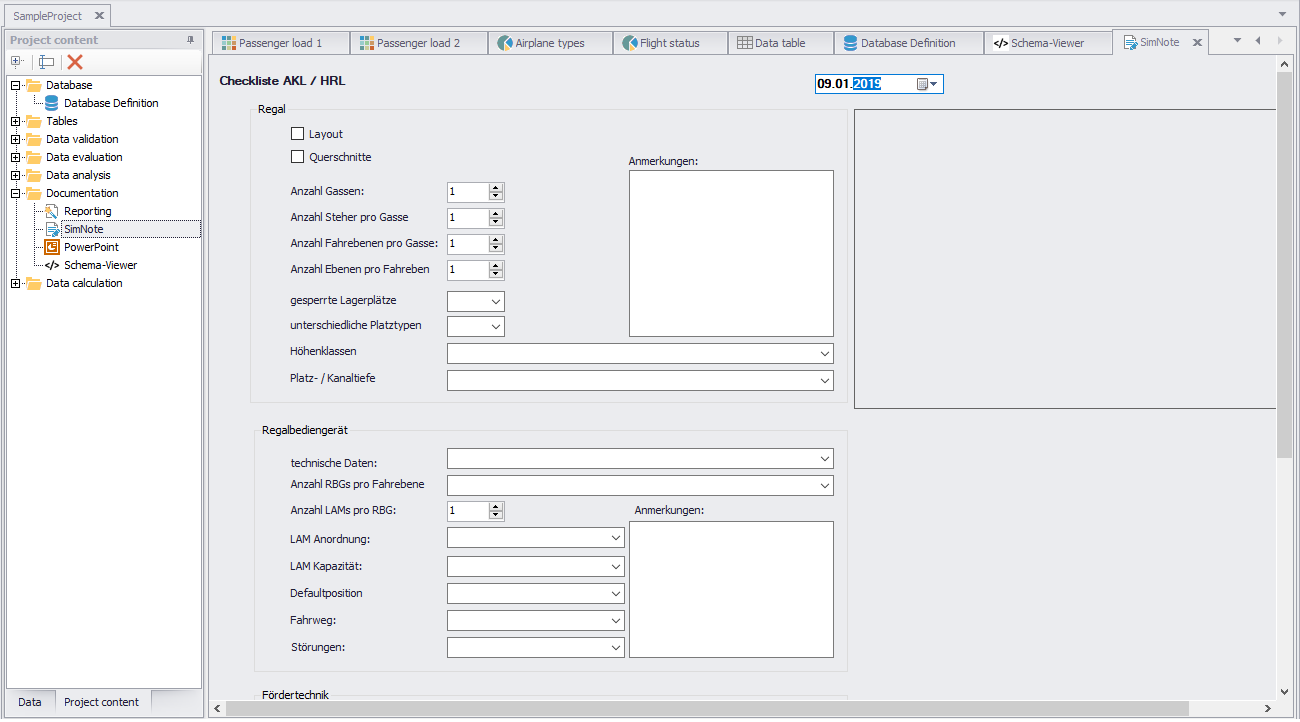
Figure 2 - Fill out template
You can choose Options in the main SimAssist menu to make plug-in-specific settings (see the Options section). The following change options are available for the SimNote plug-in:
Option |
Description |
SimNote |
|
Show templates in library |
Specifies whether SimNote templates from the public user documents directory are shown in the modules library (true) or not (false: default) |
5. Creation of SimNote templates
We are happy to provide instructions for creating your own SimNote templates on request.
© SimPlan AG - Hanau District Court, Commercial Register (Part B) 6845 - info@simplan.de - www.simplan.de/en