By clicking the button Orientation you can switch between different views of chart and pivot in the working area (see figure 1).

Figure 1 - Orientation
The following table describes the various possibilities:
Button |
Example |
|
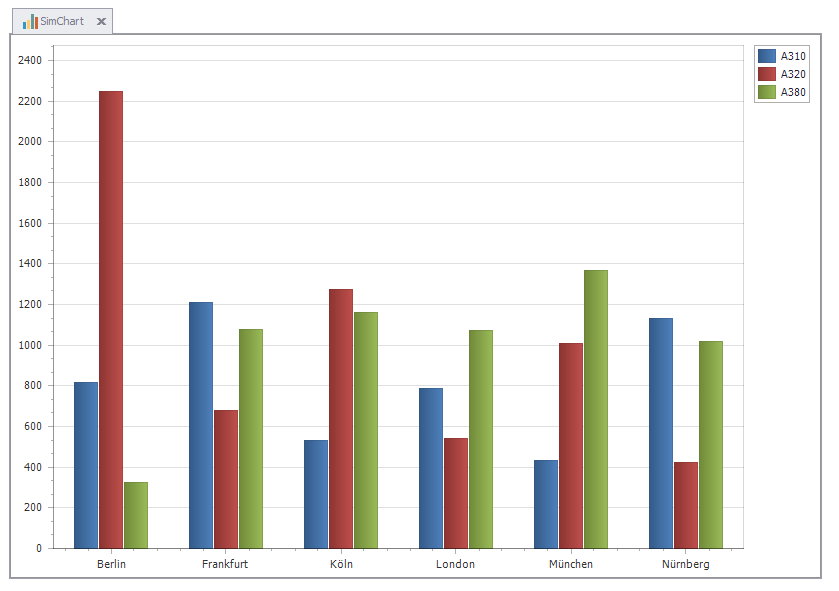
With this setting, only the chart is shown (see figure 2).
Figure 2 - Chart
|
|
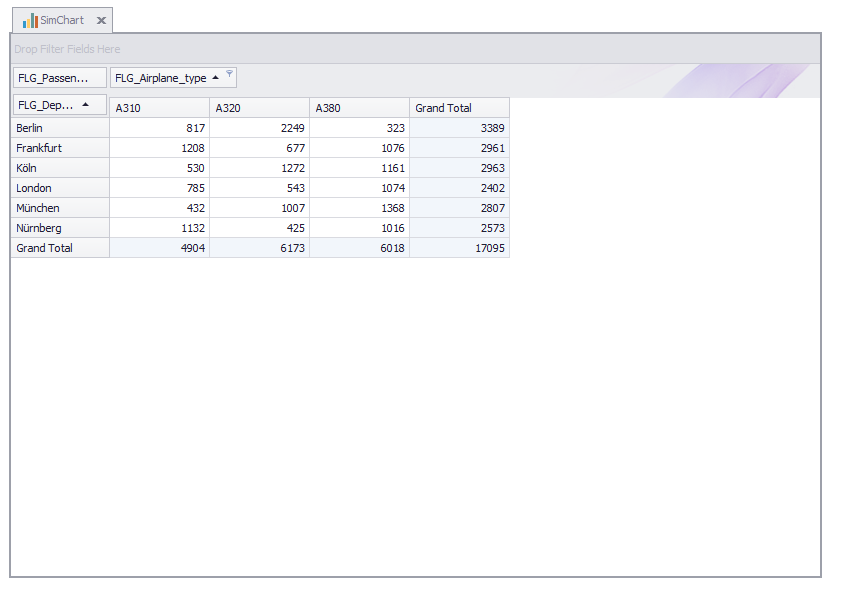
With this setting, only the pivot table is shown (see figure 3).
Figure 3 - Pivot Table
|
|
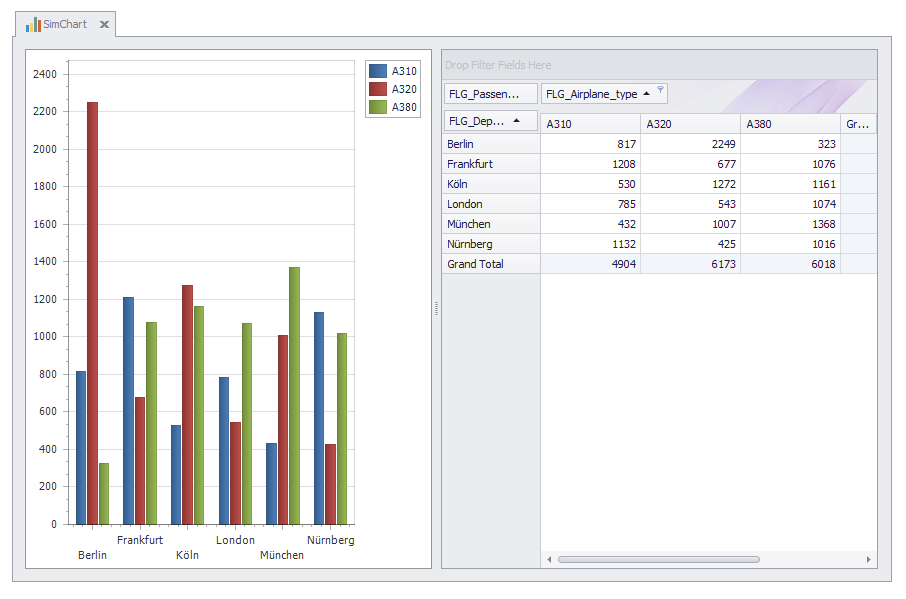
With this setting, the chart is shown on the right and the pivot table is shown on the left (see figure 4).
Figure 4 - Chart left, pivot right
|
|
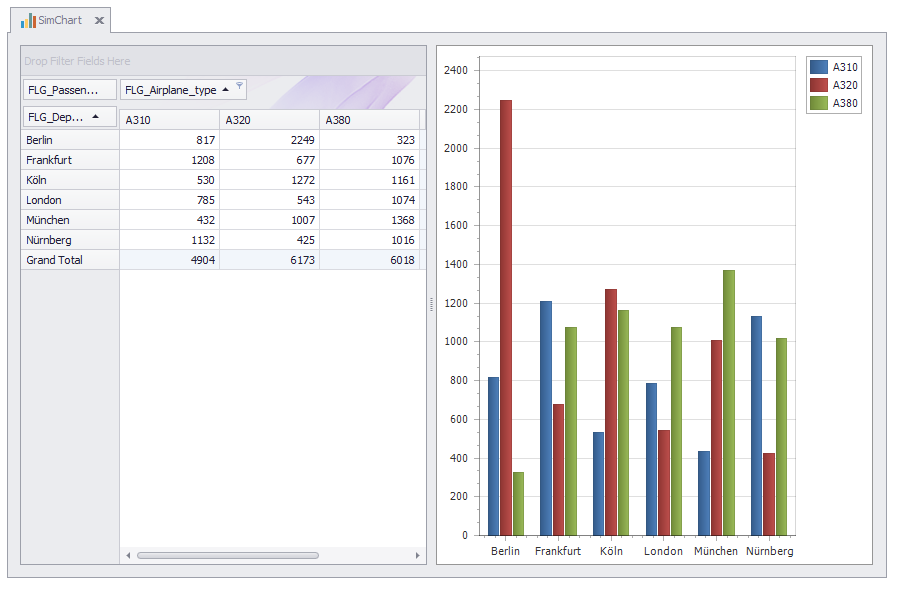
With this setting, the pivot table is shown left and the chart is shown on the right (see figure 5).
Figure 5 - Pivot left, chart right
|
|
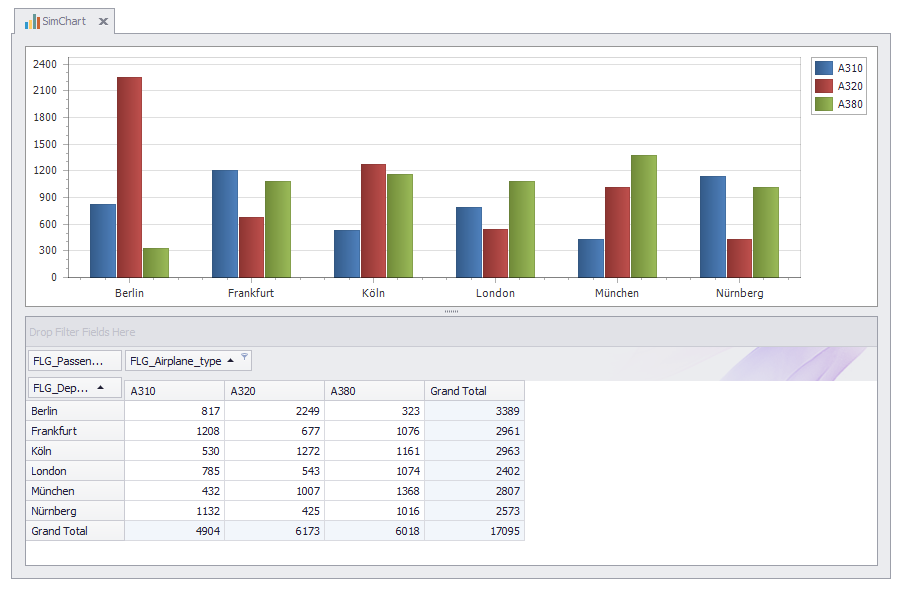
With this setting, the chart is shown top and the pivot table is shown on the bottom (see figure 6).
Figure 6 - Chart top, pivot bottom
|
|
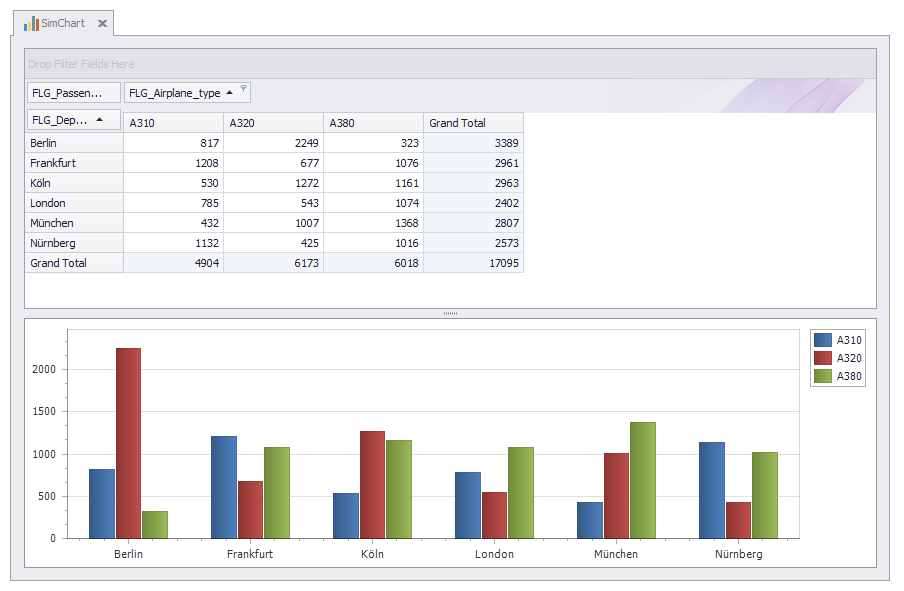
With this setting, the pivot table is shown top and the chart is shown on the bottom (see figure 7). Figure 7 - Pivot top, chart bottom |





© SimPlan AG - Hanau District Court, Commercial Register (Part B) 6845 - info@simplan.de - www.simplan.de/en