The Plug-in Window enables you to work with the various plug-ins. Here, functions like distribution fittings are performed, data queried from databases and charts for the visualization of measurement values are created.
The layout and visual representation of the plug-in window differs depending on the plug-in selected.
For a detailed description of the individual plug-in interfaces, see the sections on the relevant plug-ins in the Modules and plug-ins chapter.
Tab Bar
A tab bar, via which you can switch between the individual plug-ins assigned to a given project, can be found at the top of the plug-in window.
If there are more plug-ins in the tab bar than there is space for, you can use the arrows to the right of the tab bar to toggle and to display an overview of all the project plug-ins in a drop down menu.
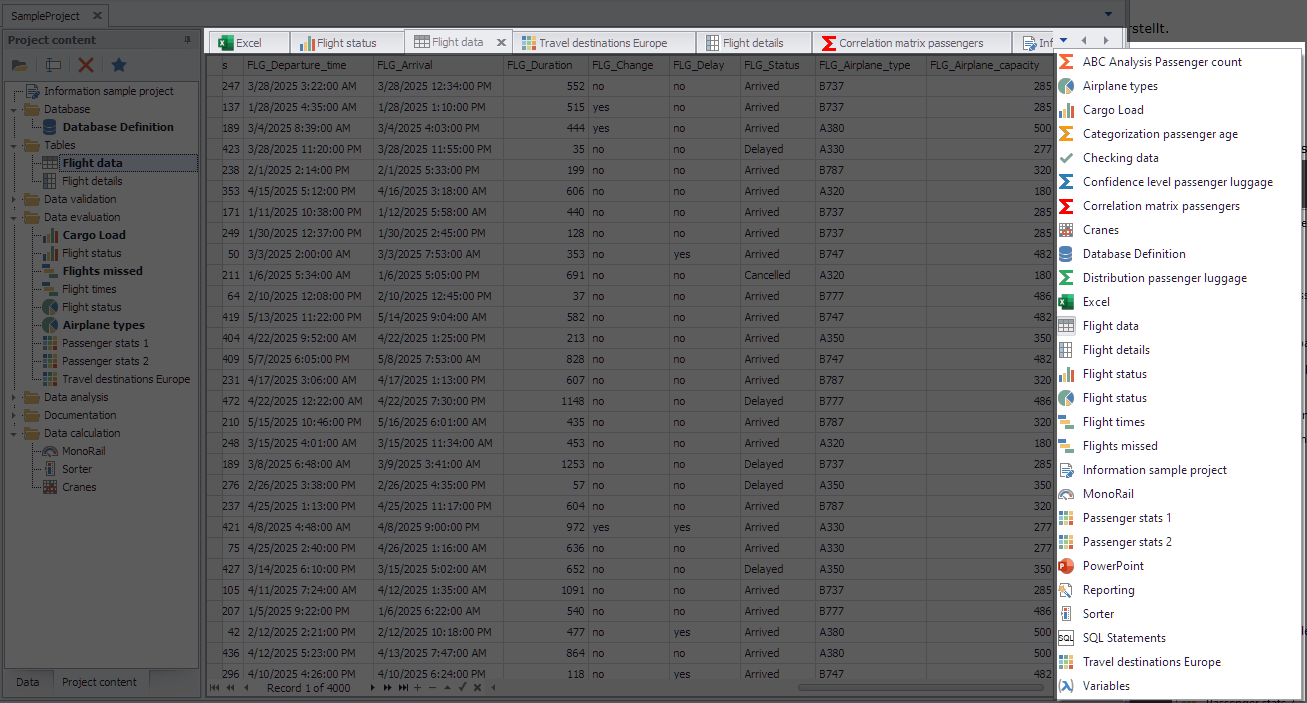
Figure 1 - Tab bar for selecting plug-ins
© SimPlan AG - Hanau District Court, Commercial Register (Part B) 6845 - info@simplan.de - www.simplan.de/en